VBX
  • Components
    • charts-iconCharts – ~50+ dynamic and unique charting options
    • maps-iconMaps – location analytics with 200+ mapping options
    • selectors-iconSelectors – Patented filters & controls to slice & dice on the fly
    • utilities-iconUtilities – Print, export & presentation options
    • speciality-iconSpecialty – Gantt Chart and Data Utility options
  • Pricing
  • Resources
    • sap-lumira-designer-vbx-extensions-resources-whats-includedBlogs – Get insights into VBX with our blogs
    • WebinarsWebinars – Browse through our vast archive of webinars
    • sap-lumira-designer-vbx-extensions-resources-galleryGallery – A gallery for you to explore all VBX components
    • resources-faqFAQ – Get your frequently asked questions answered
    • sap-lumira-designer-vbx-extensions-resources-videosVideos – Browse through our collection of assorted videos on VBX
    • sap-lumira-designer-vbx-extensions-resources-attributionDownloads – Browse through our download items
    • resources-case-studiesCase Studies – Read through our case studies for an in-depth know how of VBX
    • sap-lumira-designer-vbx-extensions-resources-release-notesAttributions – Attribution to the developers and their licensed scripts
  • DOWNLOAD FREE TRIAL
Customizing Legend Selections using VBX Script Box

Customizing Legend Selections using VBX Script Box

by Lumel | Jun 11, 2019 | SAP Lumira Designer, VBX Product Extensions

The Legend of a Chart plays an important role in enhancing the Visualization appeal and Interactive ability of the Chart. Legends are no longer simply static indicators of the data series displayed in the chart but have grown in function to provide customizable...
Drag and Drop Components at Runtime in SAP Lumira Designer – Part 2

Drag and Drop Components at Runtime in SAP Lumira Designer – Part 2

by Lumel | May 17, 2019 | SAP Lumira Designer, VBX Product Extensions

In the previous blog, we discussed how to Drag and Drop Components at Runtime in SAP Lumira Designer. In SAP Design Studio 1.6 and versions prior to it, users could leverage the ‘Online Composition’ feature to create dynamic dashboard layouts on the fly....
Drag and Drop Components at Runtime in SAP Lumira Designer

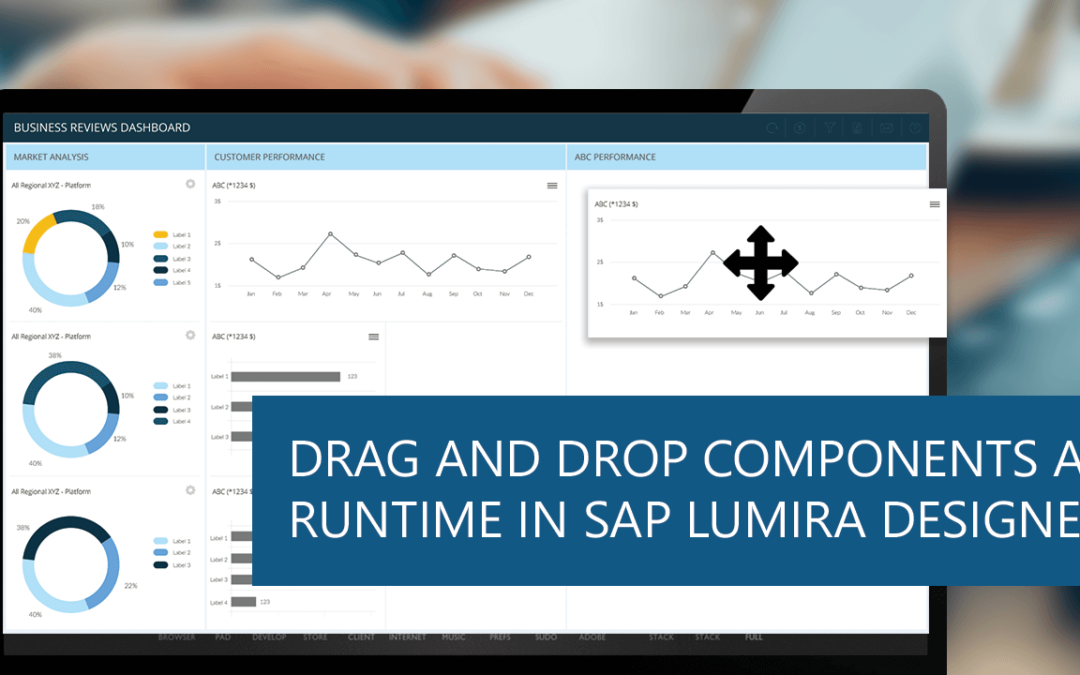
Drag and Drop Components at Runtime in SAP Lumira Designer

by Lumel | Mar 21, 2019 | SAP Lumira Designer, VBX Product Extensions

With the emergence of self-service BI tools that allow users to easily modify the layout of visualizations, a feature such as drag and drop of components into the canvas at runtime is very helpful. Visual BI Extensions (VBX) has a suite of components that offer a wide...
VBX – Time Slicer for Lumira Designer

VBX – Time Slicer for Lumira Designer

by Lumel | Aug 30, 2018 | Extensions, SAP Lumira Designer, VBX Product Extensions

One of the most constant dimensions on any dashboard is the time dimension. The time dimension gives relevance for a metric. In many cases, the same measure gets sliced in different time buckets to be analyzed differently. The time dimension also offers us unique...
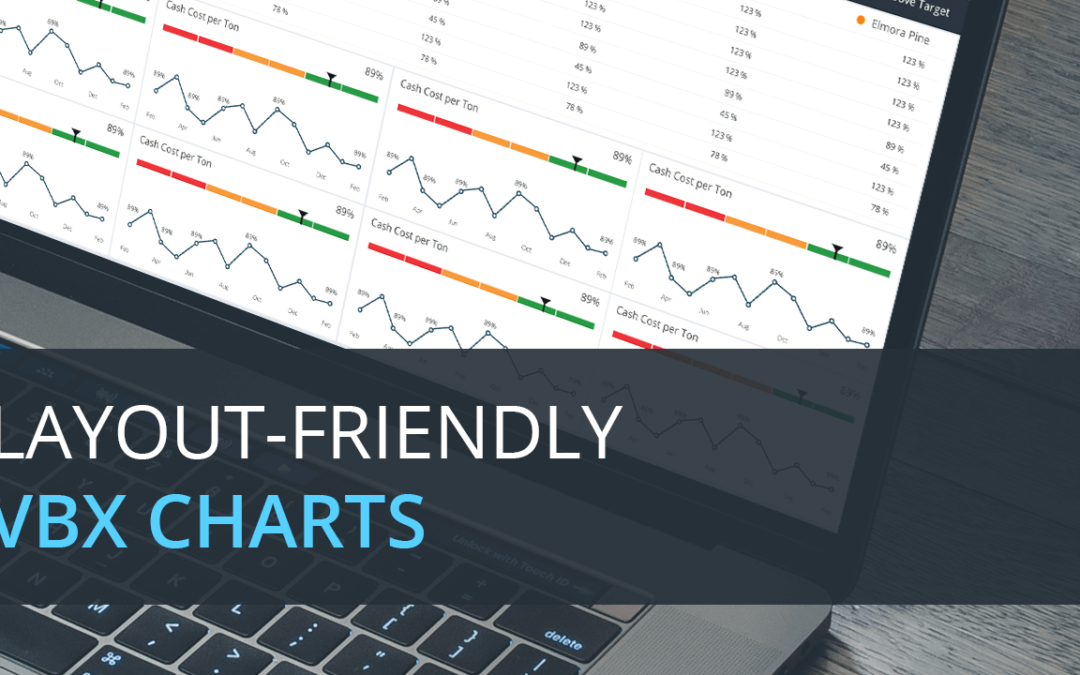
Layout Friendly VBX Charts for Lumira Designer

Layout Friendly VBX Charts for Lumira Designer

by Lumel | Aug 3, 2018 | VBX Product Extensions

When using Lumira Designer, one of the major problems that the dashboard designers face is optimum usage of the dashboard canvas. When lots of data points are to be displayed in a limited amount of space, the chart is cluttered with points making it hard to...

« Older Entries
Next Entries »

Categories

  • Advanced
  • Business Intelligence
  • Custom Add-Ons
  • Custom Component
  • Dashboards
  • Data Discovery
  • Extensions
  • General
  • Lumira 2.0
  • Lumira 2.2
  • SAP BusinessObjects
  • SAP BusinessObjects Design Studio
  • SAP Lumira
  • SAP Lumira Designer
  • Tips and Tricks
  • Tips and Tricks
  • Tooltip and Data Label Customization
  • Top Business Intelligence blog 2017
  • Uncategorized
  • VBX Advanced Table
  • VBX Geo Mapping
  • VBX Product Extensions
  • Xcelsius

Components

  • Utilities
  • Specialty
  • Selectors
  • Maps
  • Charts

Pricing

  • Pricing

Resources

  • Videos
  • Gallery
  • FAQ
  • Downloads
  • Case Studies
  • Attributions
  • Webinars

Company

  • Privacy Policy
  • What’s Included

  Follow Us


Copyright © Lumel Technologies Inc.

Contact Us

5920 Windhaven Pkwy, #130
Plano TX 75093